Your brokerage doesn’t run on one tool. Now they can all talk to each other.

Loft47 connects to the tools your team already uses. Our public API, real-time webhooks, and upcoming MCP support make it easy to move data between systems — no manual work required.

Loft47 platform shown across desktop, tablet, and mobile devices

Build custom integrations with the Loft47 API.

Need to connect Loft47 to your CRM, accounting software, or internal tools? Our public API gives your team (or your developers) secure, programmatic access to your brokerage data — commissions, agents, deals, and more.

View API Documentation

Getting Started

Before connecting to the API, your application needs to be registered with Loft47. Contact support@loft47.com to request API access. Once approved, you’ll receive a Client ID (your app’s unique identifier) and a Client Secret (a secure key for authentication). You can manage these credentials anytime from your Loft47 profile under API Settings.

Rechat and Loft47 integration showing connected real estate tools

Get notified the moment something changes.

Loft47 webhooks send real-time notifications to your systems whenever key events happen — a deal closes, a commission is paid, an agent is added, and more. No polling, no delays. Your tools stay in sync automatically.

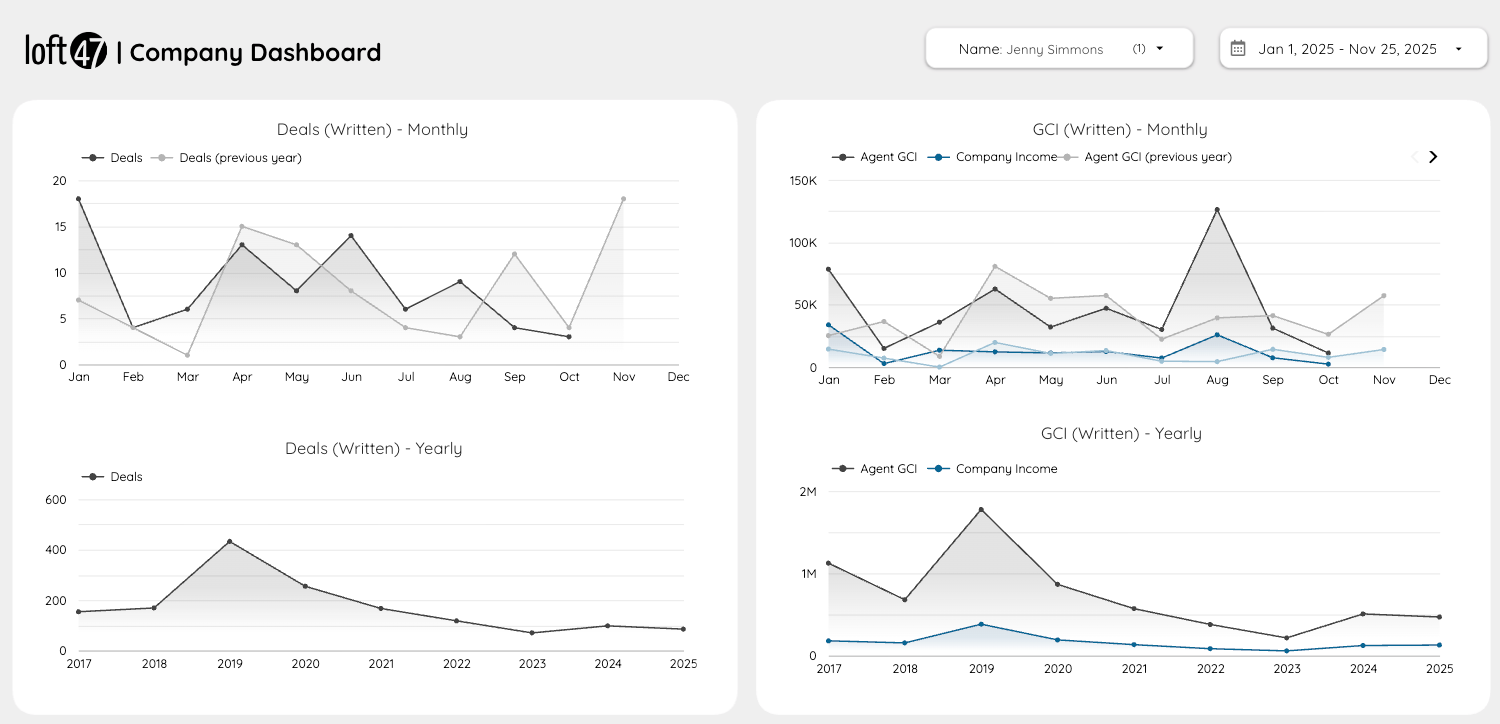
View Webhooks GuideLoft47 dashboard showing real-time data trends and analytics

AI-ready integrations are on the way.

We’re building support for the Model Context Protocol (MCP), an open standard that lets AI tools like Claude connect directly to your Loft47 data. Think of it as giving your AI assistant secure, read-only access to your brokerage — so it can answer questions, pull reports, and help your team work faster. Stay tuned.

Ready to connect your systems to Loft47?

Reach out to our team to request API access. We’ll get you set up with credentials and everything you need to start building.

Request API Access